Thumbnail Studio
Generate a real thumbnail — apply it to your demo for this session
This thumbnail is for
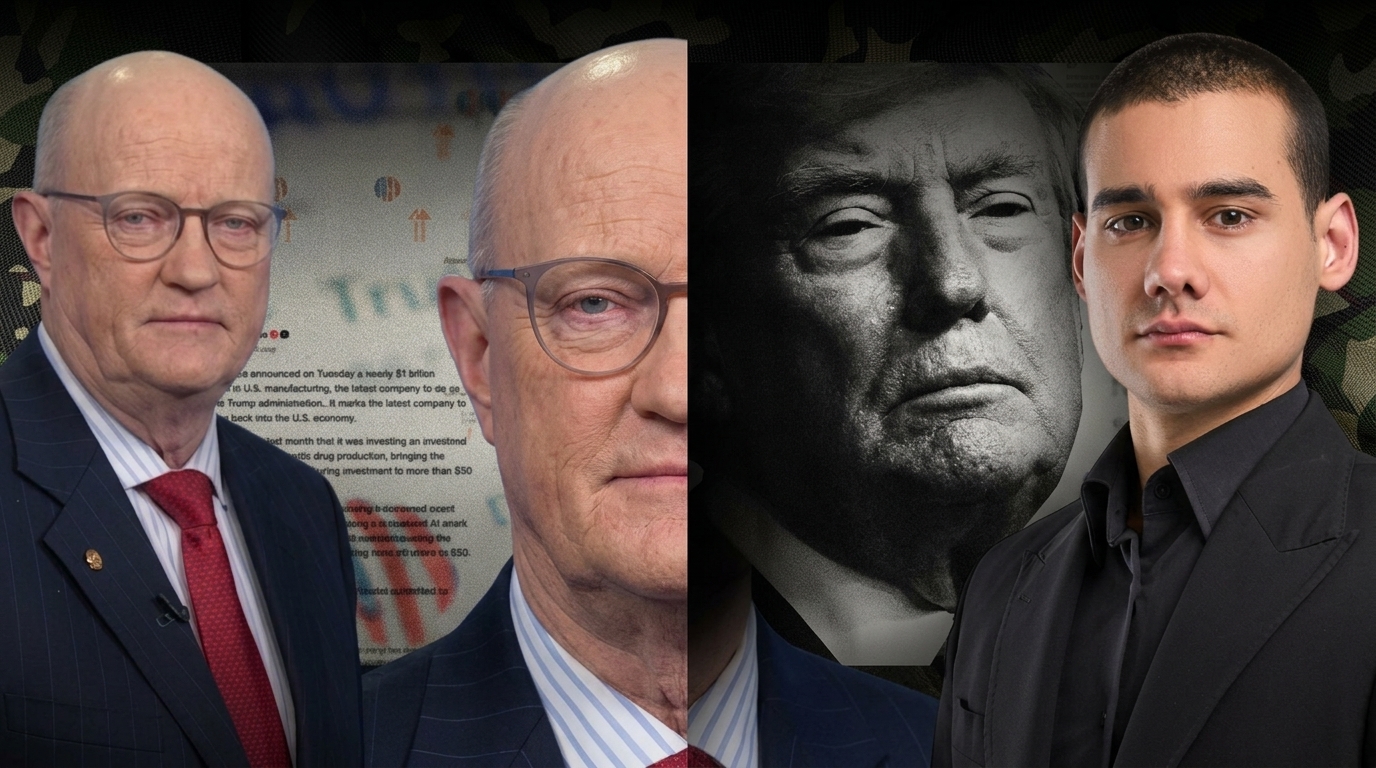
MISSED HUGE $4K MOVE?!
Published Sep 15, 2026
4 uploads · 3 shorts
Transcript available — full pipeline
Transcript — Whisper
This sample has no source transcript — the Beauty sample has full Whisper transcripts.
Show text — the prompt
A bright beauty tutorial episode about trending makeup looks - fresh, glamorous, TikTok energy. The central figure's face must stay PERFECTLY and EVENLY lit — no shade, no shadow, no dark band, and no split lighting across the face; both sides of the face are lit identically, exactly like the reference photo. The dark/light split belongs to the background only and NEVER crosses the face. Use the face from the FIRST uploaded photo (my headshot - the only single-person photo) as the strict character reference and replicate it exactly. The SECOND photo is the makeup STYLE reference ONLY - copy its palette, lighting, typography mood and makeup looks, but NEVER its face or identity (it is a different person). Render the scene described above in the visual language of the reference image: a vibrant, high-energy TikTok beauty editorial - saturated neon accents (cyan/teal, hot pink, magenta, neon green, bright yellow) over stark black and white; heavy, condensed, blocky sans-serif capitals for all headline text with thick black outlines or drop shadows on white, or white lettering on black banners; clean bold badges, pills and sticker accents (heart, sparkle, fire); crisp, high-contrast, graphic design energy. The subject is my face from the first photo, wearing FULL GLAM MAKEUP - bold lipstick, defined eyeshadow and mascara, flawless luminous skin, soft glam contour - replicated identically on every instance of the face in the frame. Small graphic accents and short banner text are part of the style and ARE allowed. Widescreen 16:9 landscape, using the blank image as the aspect-ratio template. Keep the central figure's face completely clear — no objects, drones, machinery, equipment, or debris in front of or overlapping the face; the face is the clear focal point, fully visible and unobstructed. Foreground elements stay at the frame edges or below the chest, never across the face. LAYOUT: IGNORE the single-composition above - reproduce the reference image layout EXACTLY as a THREE-VERTICAL-PANEL triptych filling the entire 16:9 frame, divided by thin vertical borders. The SAME person (my face from photo 1, in full glam) appears in all three panels. LEFT PANEL (dark pink/magenta + light purple/lavender split): two side-by-side headshots of the same person - left half with dramatic smoky, overdone eye makeup under a black banner reading "TIKTOK MISTAKES!" in neon green with a white pill "Stop doing this." below; right half with a clean, glowing, happy look and a green checkmark badge; across the bottom of both, big white caps "WHAT TO DO!" with a heavy black drop shadow. CENTER PANEL (soft gray-to-pink gradient): a mid-shot of the person pointing at the camera with a "999k likes" white pill (red heart) above, floating beauty props (hairbrush, scissors, gold sparkles) and 2-3 round emoji beside them, and stacked white caps with black outlines reading "THE 10/10" / "GLOW UP" / "HACK!" plus a fire emoji. RIGHT PANEL (solid teal/cyan): a profile/side view of the person with hair styled into a braid with a pink bow ("coquette"), a small square inset of an eyebrow/eye close-up tagged "TREND!" in a black angled banner, and stacked caps reading "COQUETTE" in white, "or" in white lowercase, and "ESPRESSO?" in neon green, with a black rectangle at the bottom reading "The Ultimate Style Showdown!" in white. Keep every panel close-up to mid-shot with the same face identity, the neon-on-black/white palette throughout, thin even panel borders.
Pipeline
Transcribing
Generating metadata
Scene text
Rendering the character
Generating image
Generated thumb
 CURRENT
B · Current
Scene and labels appear here after Generate.
Aspect
This page is available with a signed-in account